Criteria for Choosing a CRM
Modern customer service goes far beyond basic phone calls and emails. Customers expect companies to remember past experiences, respond instantly, solve problems quickly, and provide consistent assistance across multiple channels. With growing businesses, it becomes hard to deal with such information manually. Choosing a proper CRM will allow the organization to organize the process of dealing with each client effectively.
CRM gives the chance to have all the information about customers, communications, sales, support requests, etc., in one place. Thus, instead of switching between spreadsheets, email clients, and various applications, the customer service team will receive all the needed data in one place.
However, the choice of the best CRM cannot be made only depending on the features offered by this CRM. Companies have different demands. New startups would require a cheap CRM with basic features, while big enterprises might need a more complicated CRM.
Selection of the CRM tool for customer support starts with the proper understanding of the actual work process of the organization. The following aspects should be taken into account while choosing a solution: the size of the support team, the number of customers to manage, particular requirements of the industry, budget constraints, and growth projections.
What is a CRM?
CRM stands for Customer Relationship Management, which is an approach along with technologies used for management of relationships with clients and potential customers.
The CRM system collects and stores information about clients in the database. Information could include the name, contact data, previous correspondence, purchases made, support tickets, notes, scheduled appointments, and other data.
Understanding the full context of how the company interacts with the client helps to improve the efficiency of customer support. Instead of starting the dialogue from scratch, the agent could refer to the history of the conversation to understand the background and give a more precise answer.
Modern CRM systems are also integrated with email, website, telephony, messaging apps, marketing, and other business solutions.There is a multitude of customer relationship management software solutions offered by various vendors today, ranging from simple solutions for small groups to highly automated enterprise-class platforms.
Why Is a CRM Important for Better Customer Support?
Without a dedicated solution, the customer information is scattered between different tools. One employee knows something about the client from an email, another one keeps some notes in the spreadsheet, and yet another person keeps all the information in another piece of software.
All the information is gathered in the CRM.
Centralized Customer Data
The customer support team members do not need to look through multiple different pieces of software to find the relevant information.
Quick Problem Solving
With the past communications, order history, issues, and requests stored in one place, the specialists will be able to evaluate the problem faster.
Effective Teamwork
If any particular specialist is busy at the moment, the colleague is able to look through the customer profile and continue the communication without starting the process from scratch.Consistent Customer Experience
A properly configured Customer Relationship Management (CRM) system would allow for the creation of standard procedures for dealing with questions, complaints, follow-ups, and escalations.
Customer Service CRM Features to Look For
CRM systems offer different features depending on the platform chosen. Before selecting the platform, one must first establish the features needed by the customer service department.
Contact Management
Contact management serves as the core feature of most CRM systems. The customer database must be easy to search, edit, and organize.
History of Interactions
It is not sufficient for support agents to simply know customers' names and other contact information. With the help of a CRM system, support agents can store emails, phone calls, purchases, customer support tickets, and other types of information that serve as a timeline to enable them to handle new inquiries.
Task and Follow-Up Management
Customer support representatives often have many things to do, such as return customers' calls, check unresolved tickets, and perform the follow-ups promised to customers. A CRM can help organize these tasks.Automation
Automation is able to perform repetitive operations like assigning leads, sending notifications, creating tasks for following up, and updating customer records.
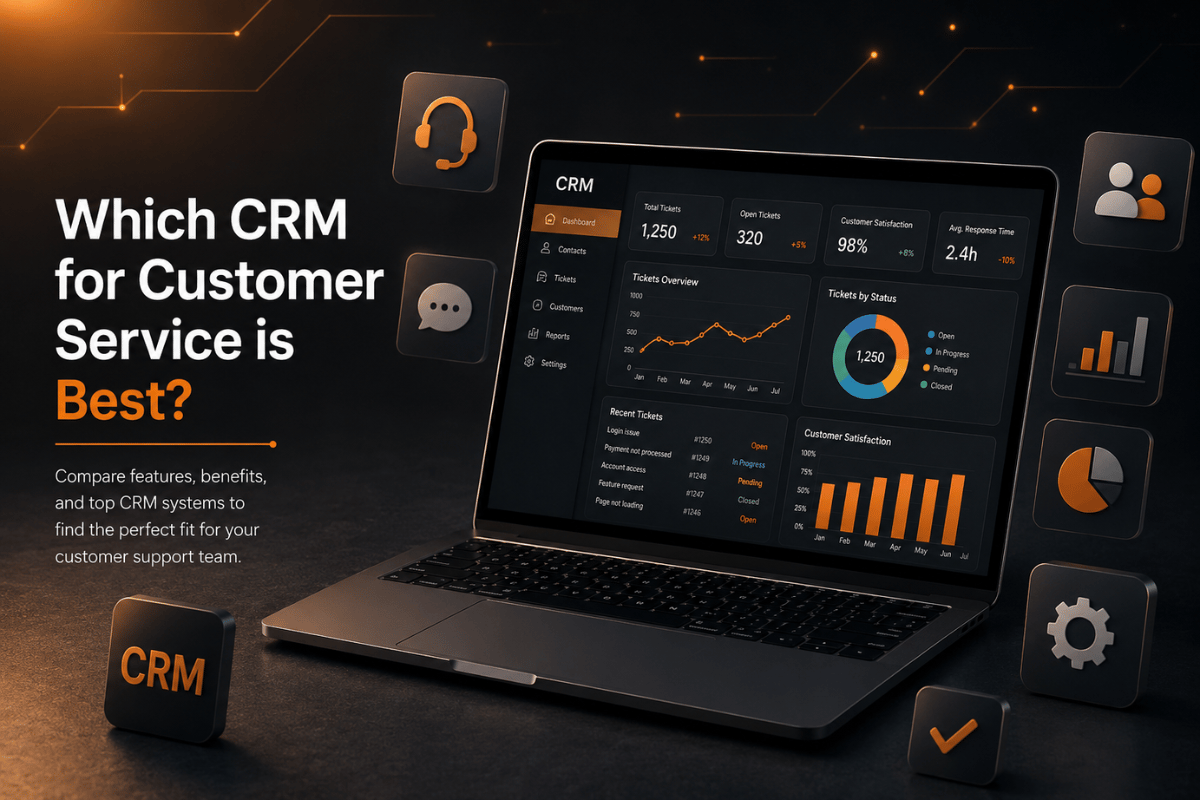
Reporting & Analytics
Managers need transparency into the performance of their teams. Information from Customer Relationship Management (CRM) can shed light on the speed of inquiry processing, how effective problem-solving is, how customers engage with the company, and what performance indicators need focus.
Integrations
The CRM becomes more valuable if it works in conjunction with other tools used in the organization. Integration often takes place with email, accounting solutions, marketing tools, help desk solutions, communications, and eCommerce systems.
Cloud-Based CRM or Traditional CRM?
With cloud-based CRM, application data and infrastructure reside on online services, as opposed to having to manage everything through local servers for businesses.This model has become popular due to the fact that employees may connect to the system using different means of internet connection as well as devices with the necessary authorization.
Cloud solutions offer even greater possibilities when it comes to updates and maintenance, as there is a considerable part of the infrastructure that is controlled by the service provider.
It is especially convenient for remote and hybrid working teams, since employees from different sites may work with the same client information, instead of having several separate databases.
However, companies need to consider security issues, data protection, regulatory compliance, backup solutions, authorization rights, and integration capabilities before choosing a particular system.
Types of CRM Solutions
CRM software is usually classified according to its functions in the company.
Operational CRM
Operational CRM software is used for performing daily tasks related to managing customer relations. It combines all processes like contact information management, sales activities tracking, service requests management, automation setting, and so on into one coherent process.
It is especially helpful for companies that try to reduce the amount of administrative work performed manually.
Analytical CRM
Analytical CRM software focuses on customer data and
reporting. It helps organizations analyze trends, understand customer behavior,
and measure performance.
For bigger enterprises, analysis skills might improve decision-making through better-informed
business decisions.
Collaborative CRM
Collaborative CRM focuses on exchanging customer data between departments and teams. Sales, marketing, and customer support can have a common view of customers.
The approach is especially useful if there are several departments interacting with the same customers along the way.
CRM Best Practices for Customer Service
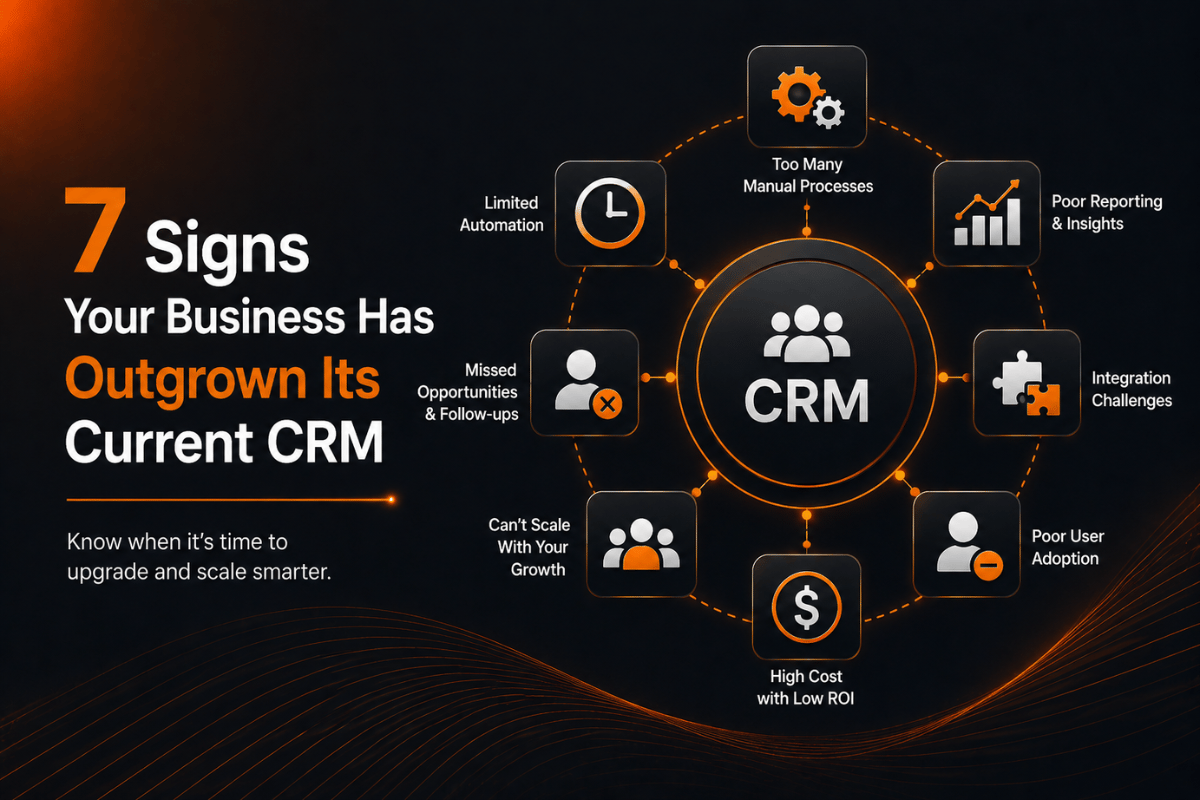
Having CRM software is not enough to improve customer service; proper implementation of the software is necessary.
One of the best practices is keeping all customer data correct. Duplicate or obsolete records may create confusion and reduce the value of the system.
Organizations need to set up the workflow before automating. Automation should free people from unnecessary repetitive tasks, not complicate processes and make them hard to understand.
Training of the employees is no less important. Without the right knowledge about how to use the system, even a strong CRM becomes useless.
Periodic CRM strategy evaluation may be recommended in an organization. With the change in customers' needs and in the process of doing business, it may become necessary to upgrade processes and reporting.
CRM for Various Business Types
There is no single type of CRM solution that suits all organizations.
CRM for Startups
The CRM solution for a startup should be simple and not expensive while capable of growing with the company. The CRM system should have the basics of contact management, task handling, automation, and reporting.
CRM for Service Companies
The CRM system for a service company enables it to manage requests, appointments, follow-up actions, contracts, and communication. By making use of customer history information, one can provide more personalized services.
B2B CRM
The B2B CRM system should be able to deal with long sales cycles, multiple decision makers, account management, and comprehensive communication.
CRM Tailored to a Specific Industry
There exist businesses that require particular information systems. Some of the examples include CRM software tailored for the insurance industry, auto CRM software, construction CRM software, financial advisors CRM software, and retail CRM.
The CRM software tailored for a certain industry will have workflows designed in such a way that it will fit into the language and processes of the industry.
Customized CRM vs Ready-Made CRM
Generally, ready-made CRM software tends to be the fastest method through which a firm can start the process of managing its customer relationships. It will generally offer pre-built features, integrations, dashboards, and automation among other things.
However, as the business grows bigger, it might turn out that the processes of the business do not fit well into a particular platform.
The customized CRM software can be built around particular processes within an organization. This is because an organization can create a customized dashboard, customized workflows, permissions, integrations, and customer management features based on their processes.
Customization may require some planning, but when a particular process cannot fit into a pre-existing platform, then customization might be necessary. Firms intending to do this can partner with a CRM software development company or a provider which offers specialized CRM development.
How to Choose the Best CRM for Customer Service?
Before buying a CRM, one should first identify the challenges the customer service team faces.
Is it hard to locate customer data? Is follow-up forgotten regularly? Do employees switch between different applications? Are managers unable to measure customer support?
After understanding all of these concerns, create a list of required features.
Also consider the scalability of your choice because it should be capable of serving the current group without being a limitation on the growth of the customer base.
Also, budget considerations matter, but it does not mean that the cheapest option will turn out to be the most economically sound one. Look at the costs of implementing the application, training the staff, integration with other applications, customizing the software, and potential subscription fees.
Finally, include customer service employees in the decision-making process since they will be using the application every day and might point to some issues that are not obvious in the demonstration.
Conclusion
A good CRM for customer service does not mean having lots of features. Instead, it means the ability to understand the customer better, respond quicker, organize the data, and maintain the process without unnecessary complication.
Whereas a small business would require something like a cloud-based CRM, a big business will find the benefits of automation, analytics, integrations, or even a custom CRM solution much greater.
However, in order to make a proper choice, one should first think about his or her customer support workflow before the program itself. It is necessary to analyze which things should be improved, what features are needed to do it, and what platforms can scale with the company's development.
If the company requires customization of its business
solutions instead of standard software, then QTO
DEV can offer technology development based on the company's needs. An
appropriately designed CRM system will not just be the customer base but
also one of the tools to improve your business performance.